Collect signature in Google Forms
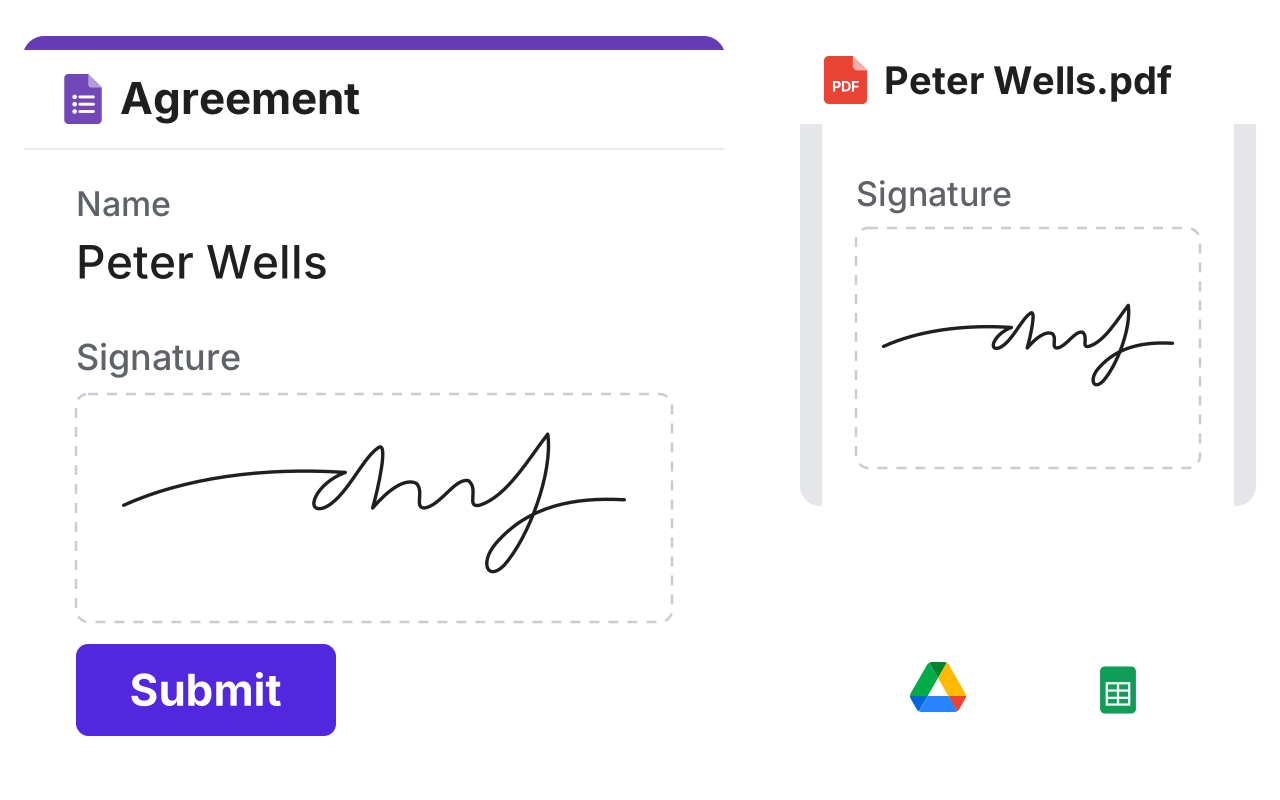
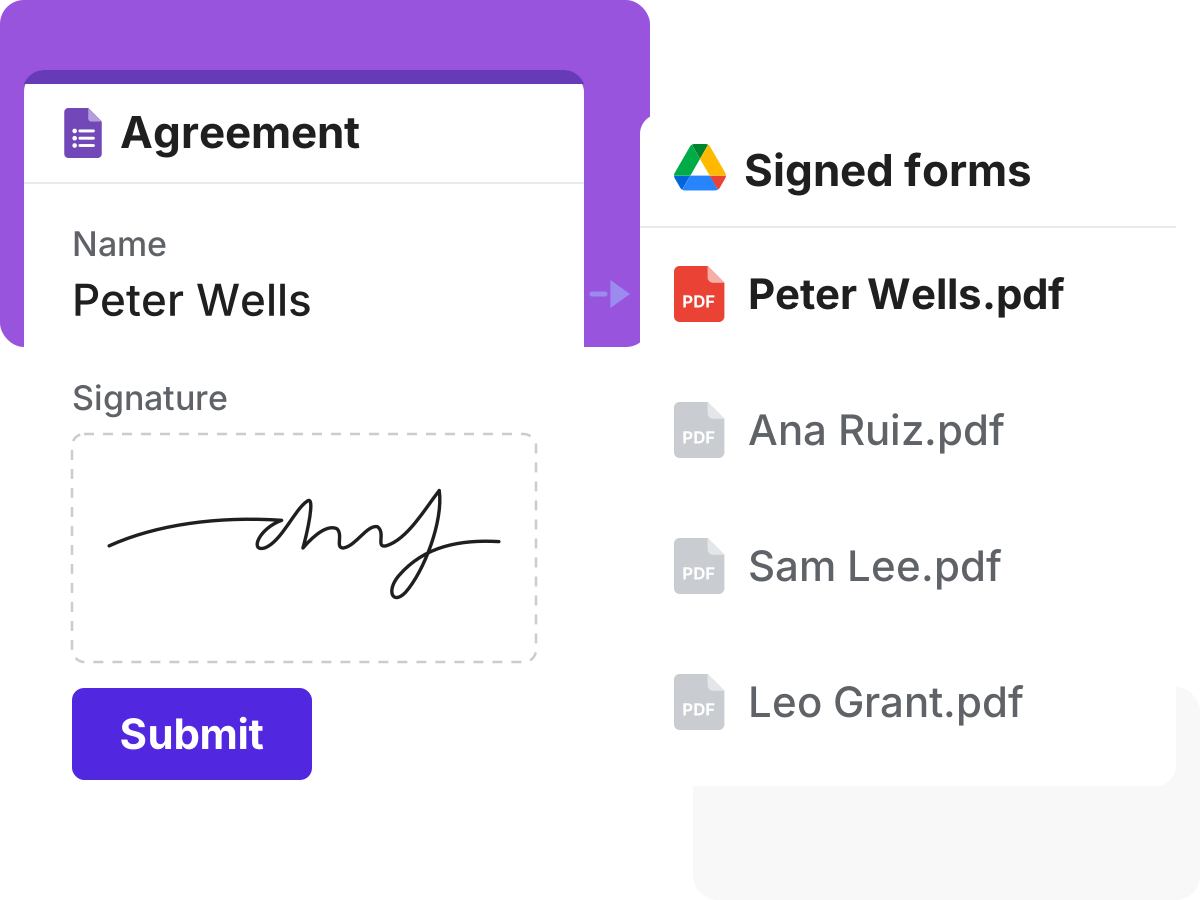
A Google Form with a name, a large signature box with a real signature and Submit, and a dashed line to the signed PDF with the same signature, which goes on by dashed lines to Google Drive and Google Sheets

Why us?

Getting a form signed on paper means printing, signing and scanning. Formesign lets people sign on the form, and the signed PDF goes to your Drive.
Add a signature to your Google Form

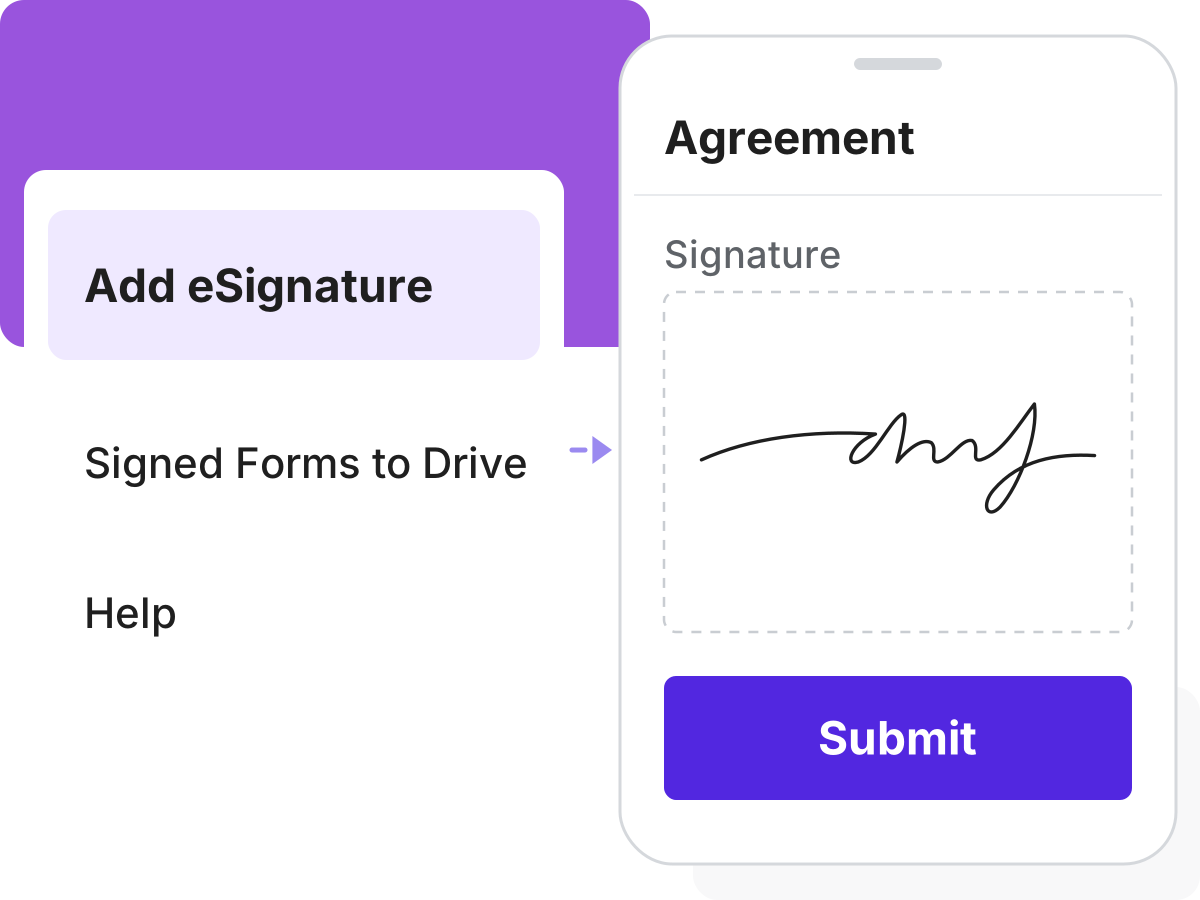
Google Forms has no signature question, so people often print, sign and scan. Add one and they sign on any phone or computer, with no Google account if you choose.

Add a signature to your Google Form
Signatures you can rely on

Signatures you can rely on

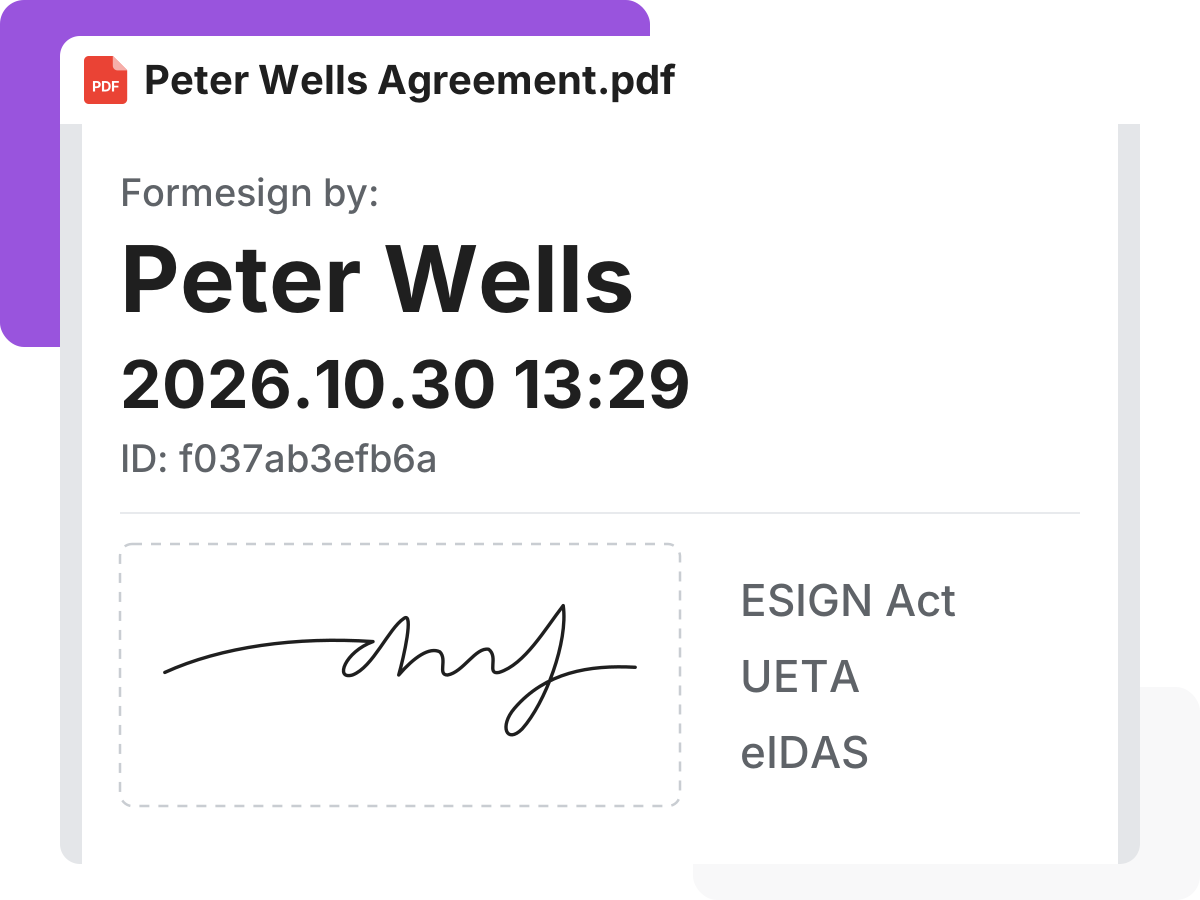
You need to know a signature will hold up. Each signed PDF records who signed and when. And Formesign is built to follow laws like the ESIGN Act.

Get a second signature

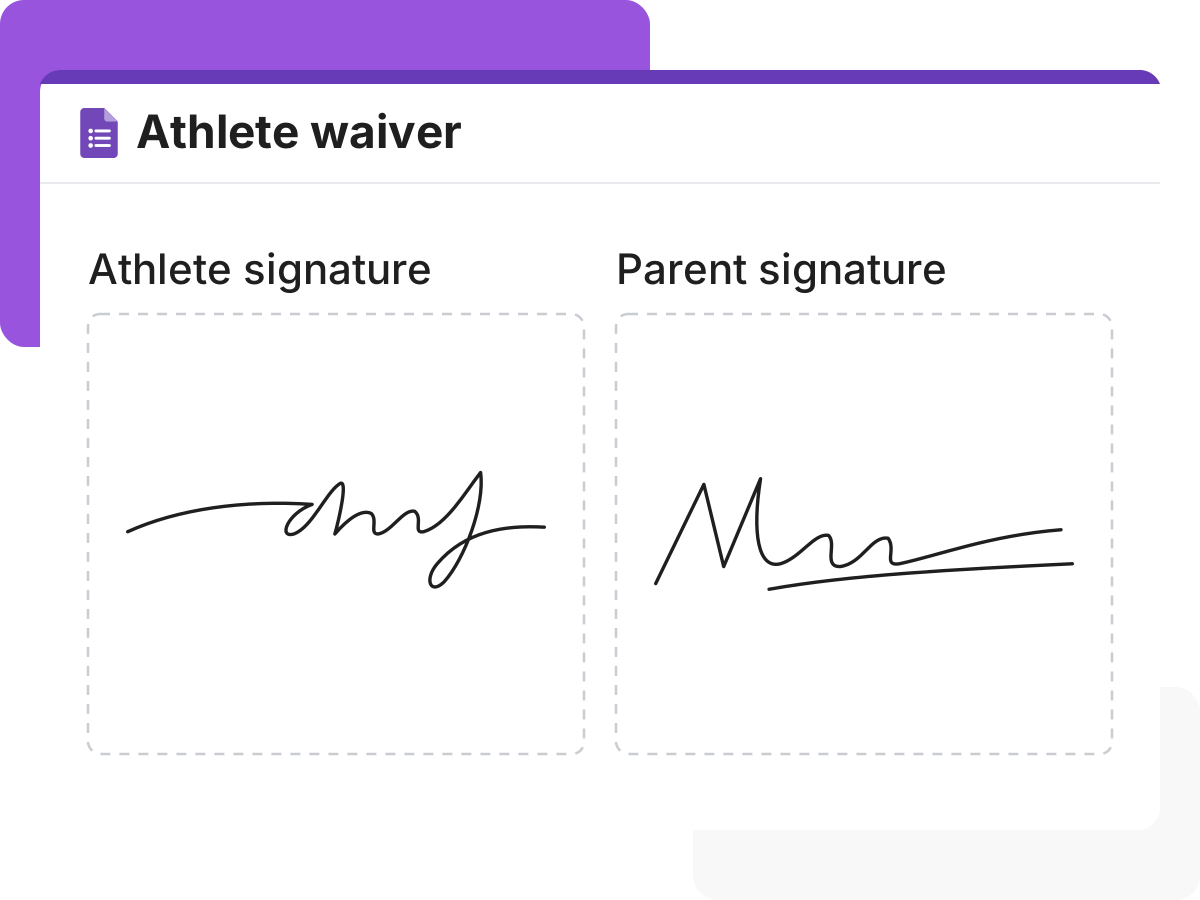
Some forms also need a parent, guardian or witness to sign. Add another signature field, so everyone signs before the form is submitted.

Get a second signature
Save each signed form as a PDF

Save each signed form as a PDF

Saving each signed form by hand takes time. A signed PDF goes to your Google Drive folder as soon as someone submits.

Email the signed copy

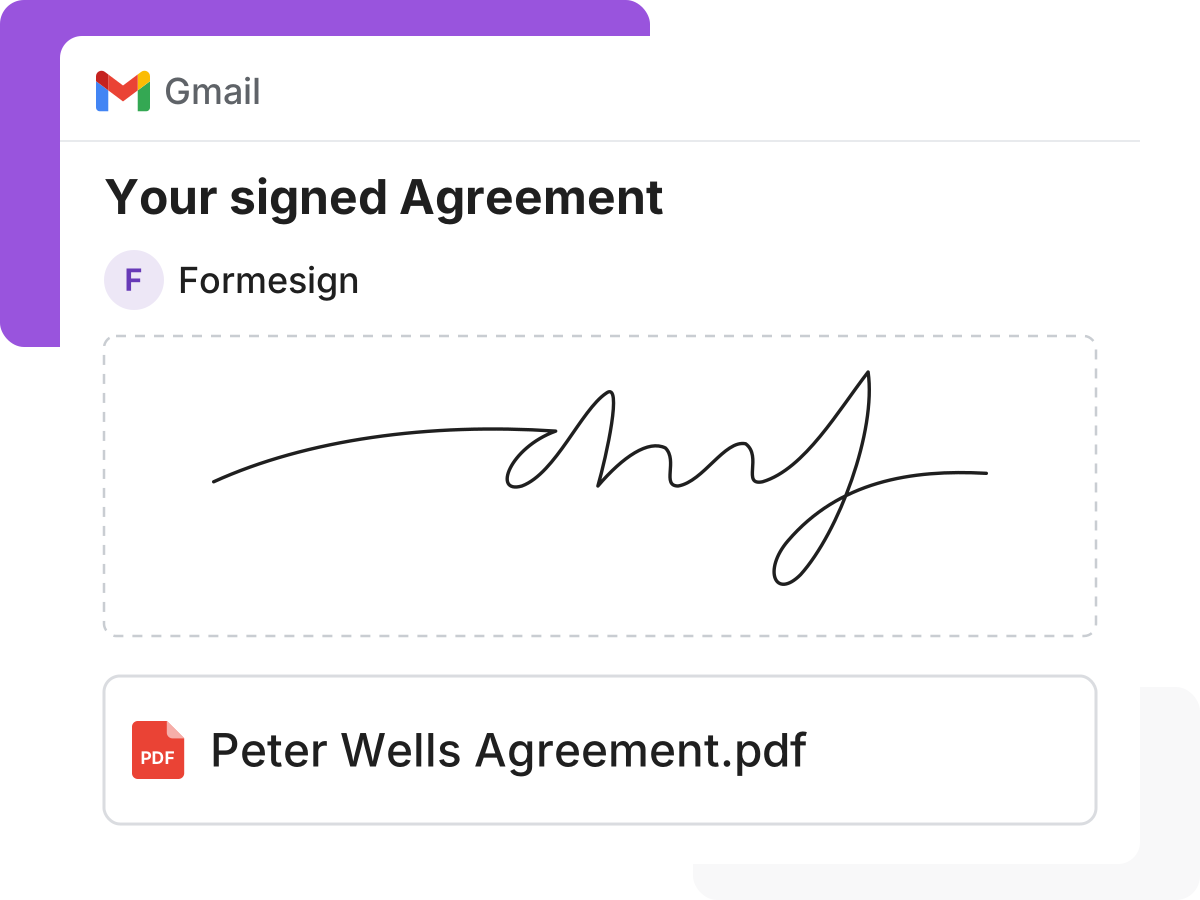
Each signer needs a copy of what they signed. Send the signed PDF to them and your team by email, without doing it by hand.

Email the signed copy
See who signed in Google Sheets

See who signed in Google Sheets

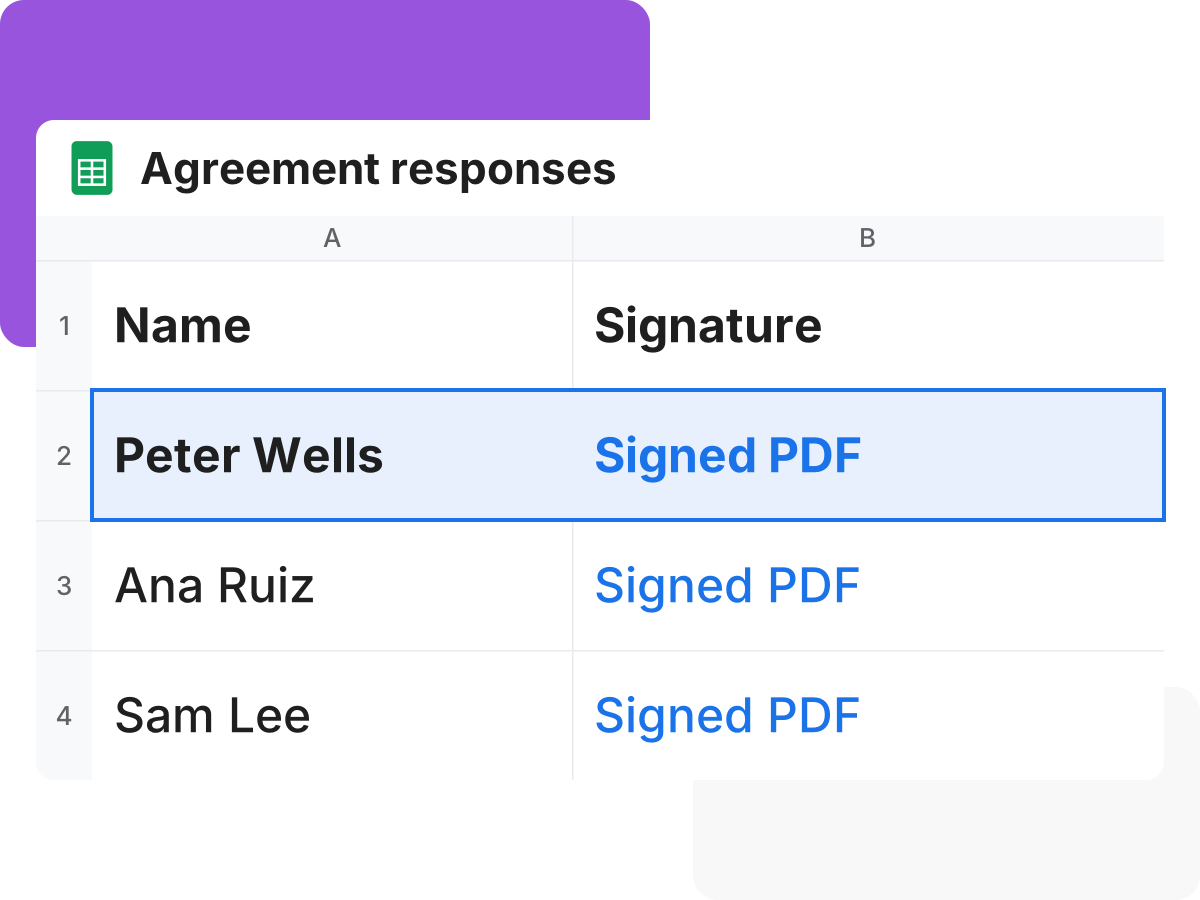
You want answers and signatures together in one place. Each response goes to Google Sheets, with a link to the signature.

Built for compliance focused businesses

Add eSignature to Google Forms. Export signed PDF to Google Drive.
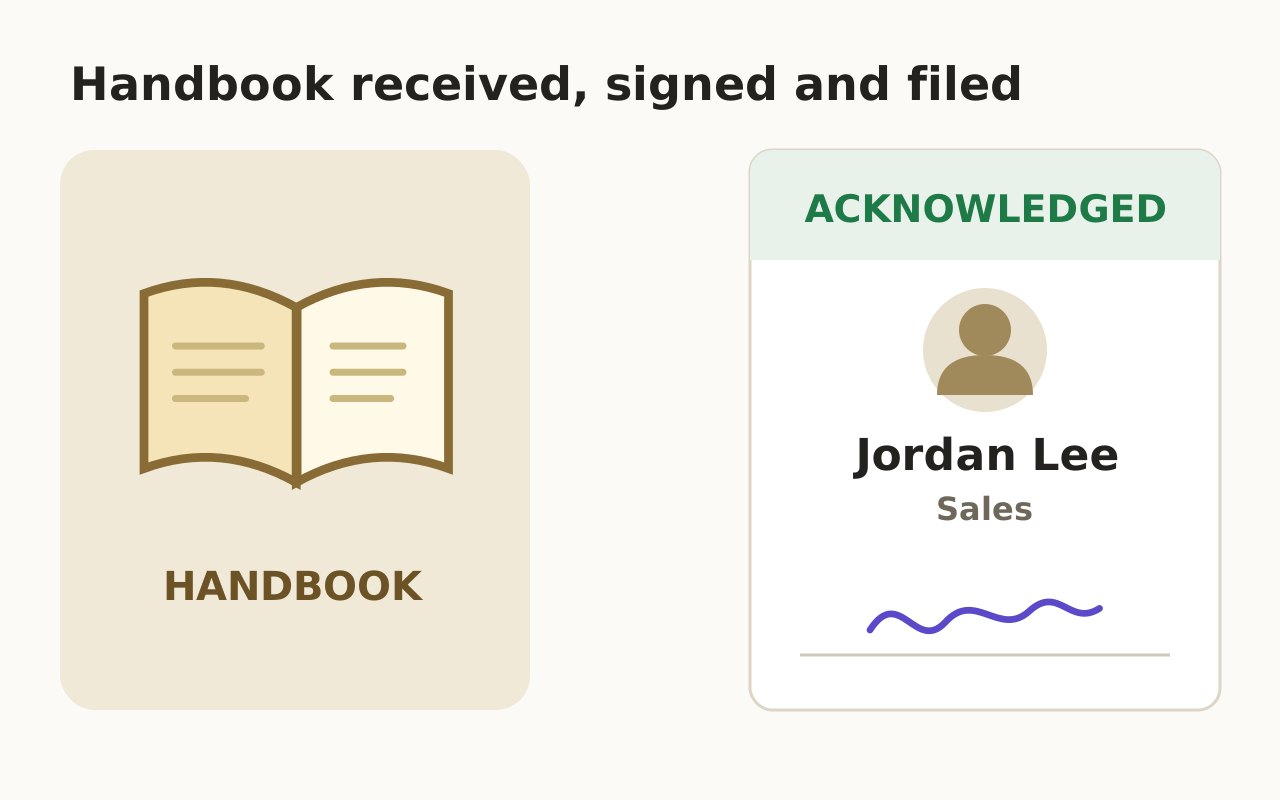
Employee handbook acknowledgement form

For hr

arrow_forward_ios
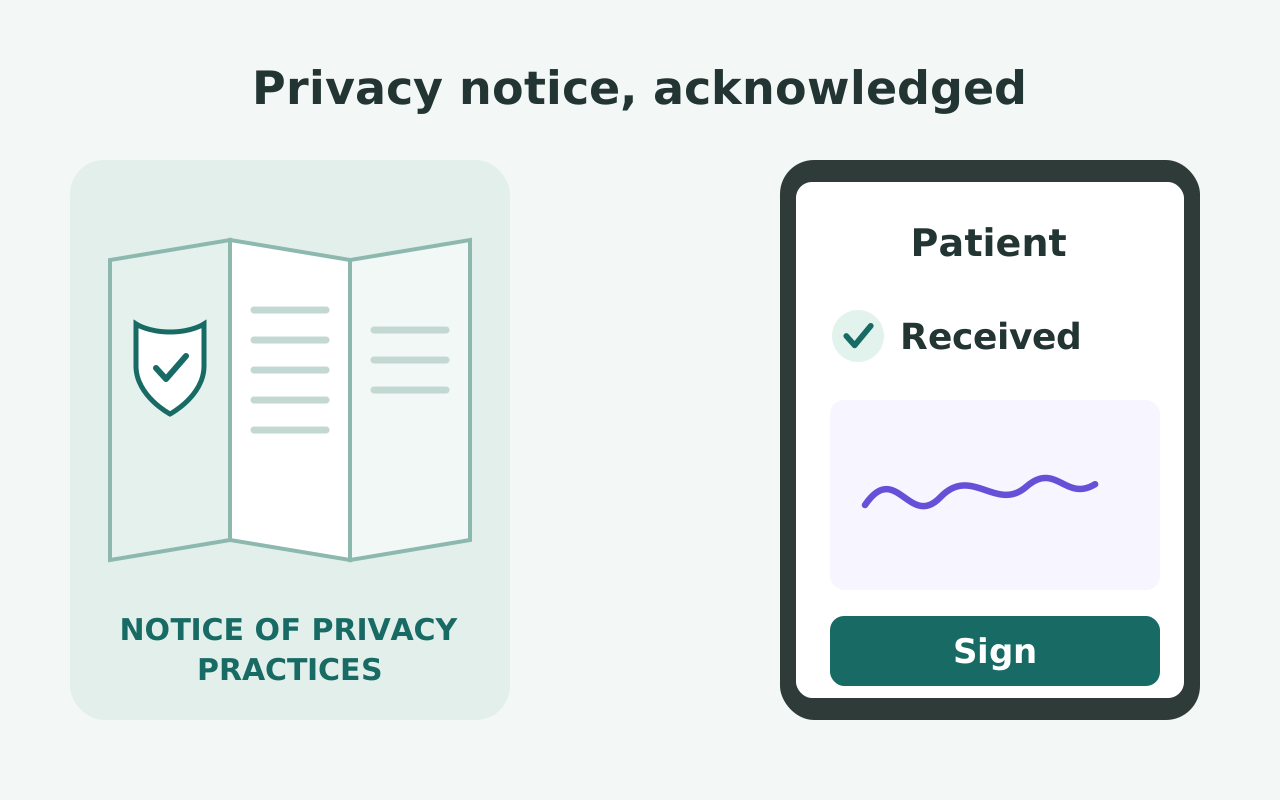
HIPAA privacy notice acknowledgement form

For healthcare

arrow_forward_ios
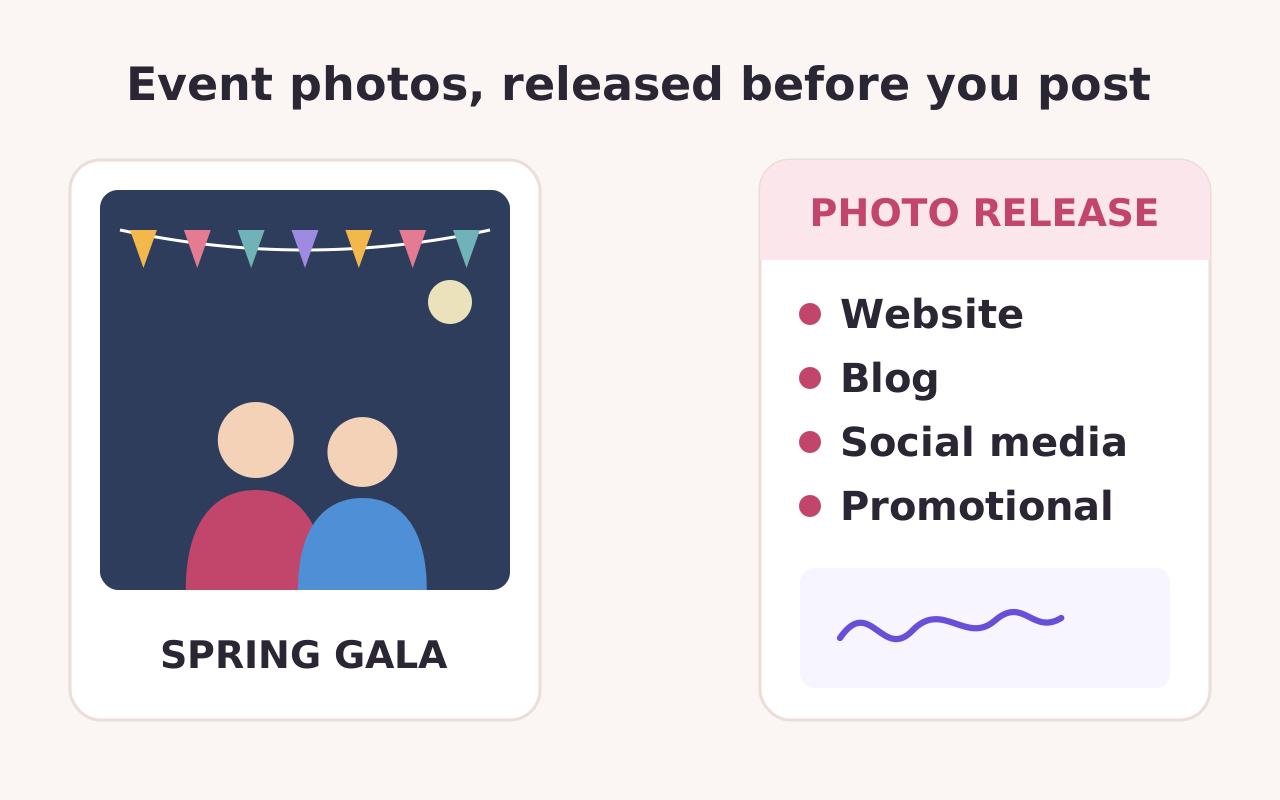
Photo release form
Photo release form

For events

arrow_forward_ios
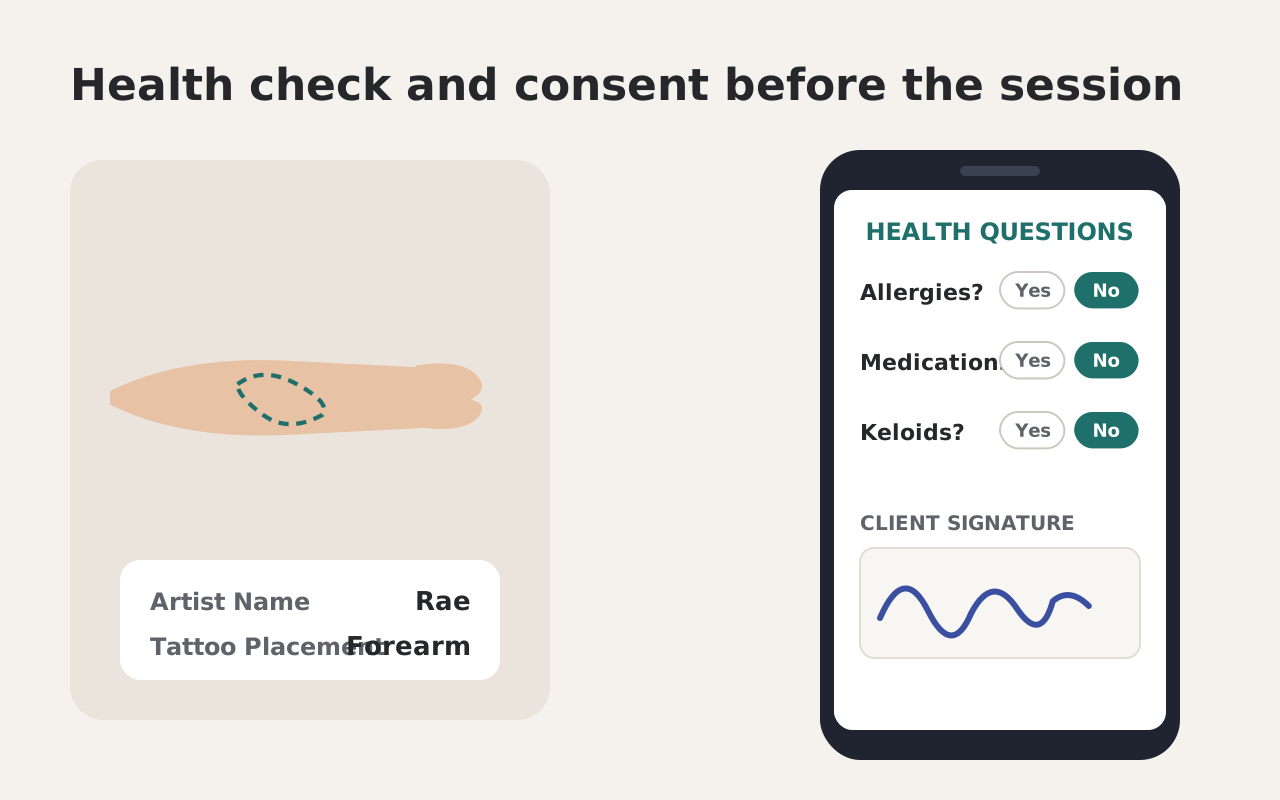
Tattoo consent form
Tattoo consent form

For legal-compliance

arrow_forward_ios
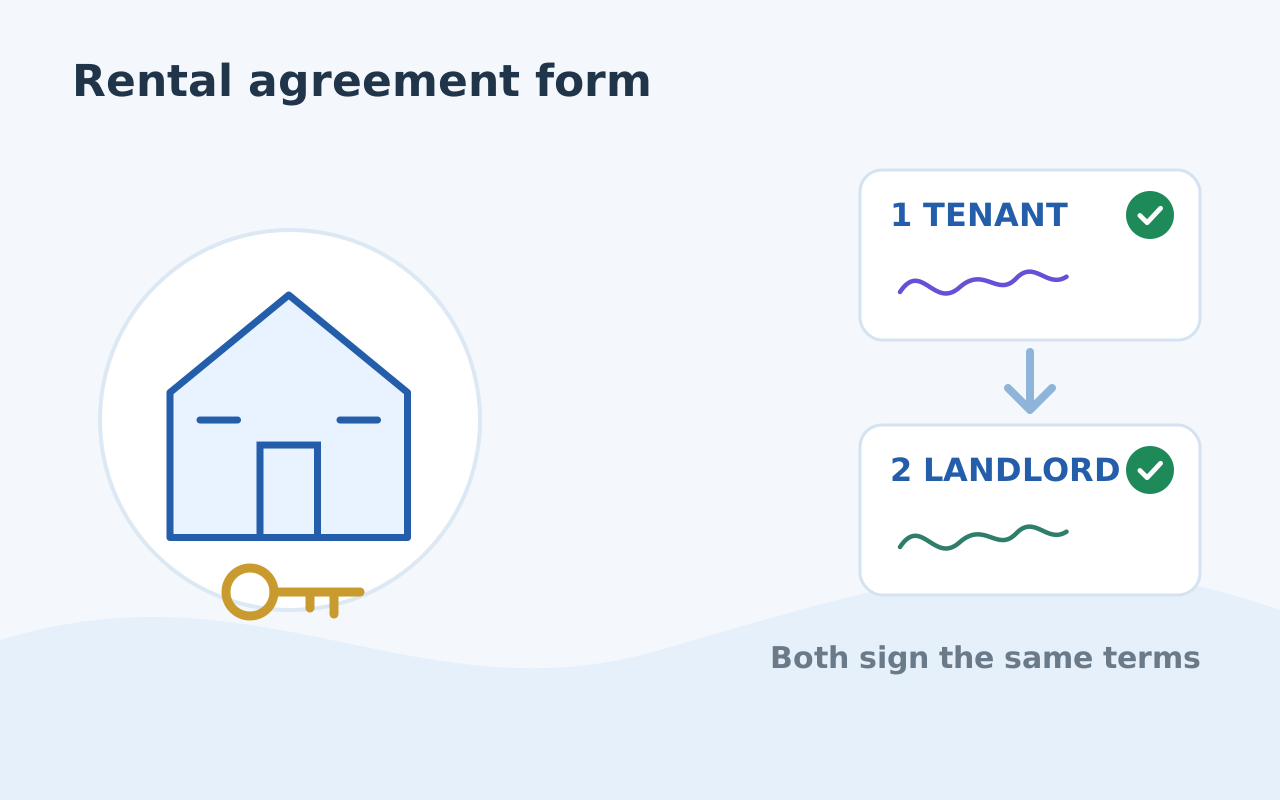
Rental agreement form

For real-estate

arrow_forward_ios
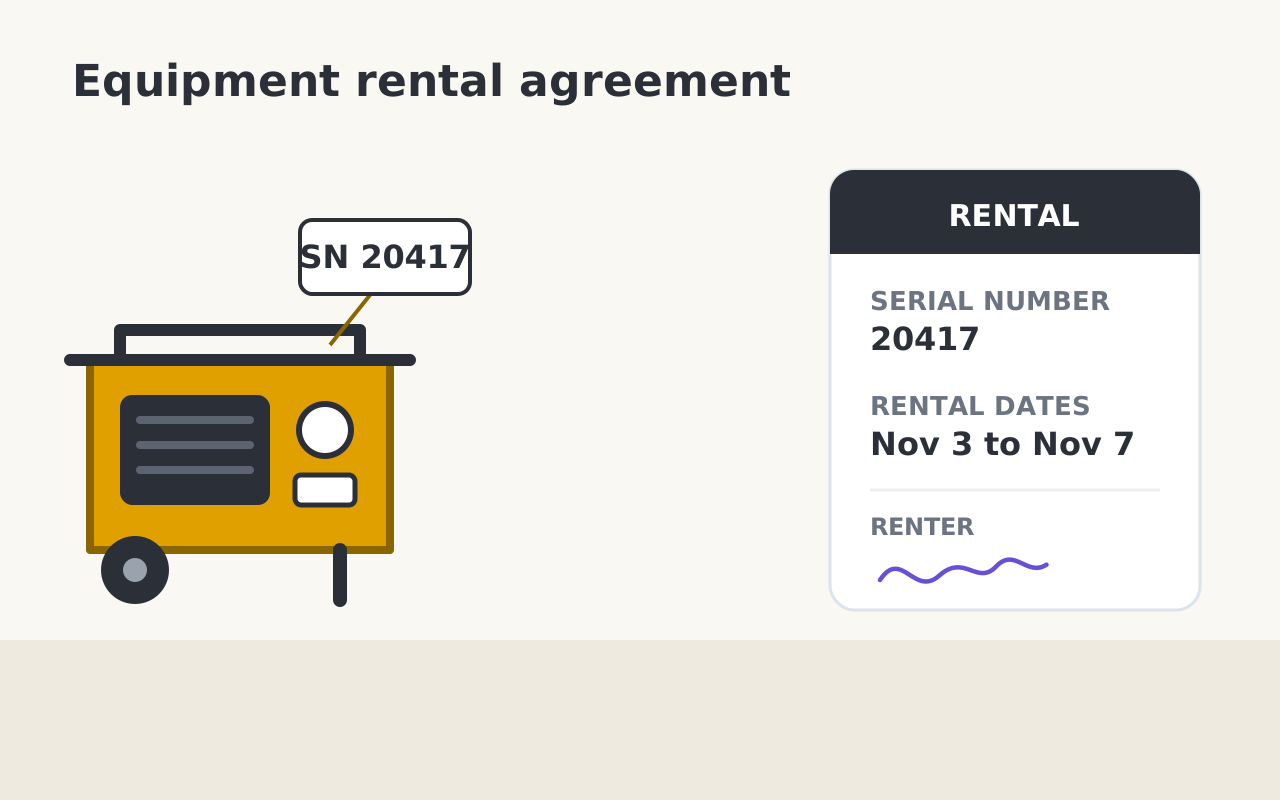
Equipment rental agreement

For business

arrow_forward_ios
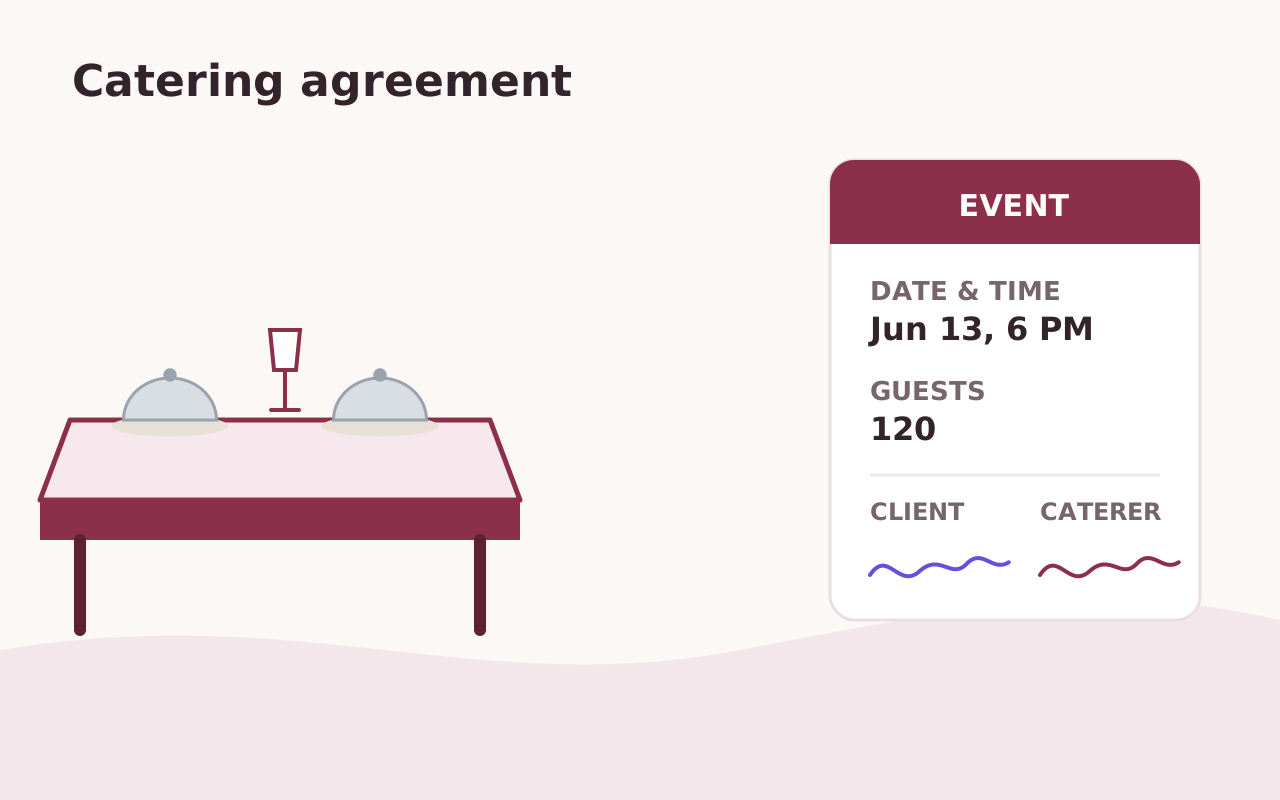
Catering agreement
Catering agreement

For events

arrow_forward_ios
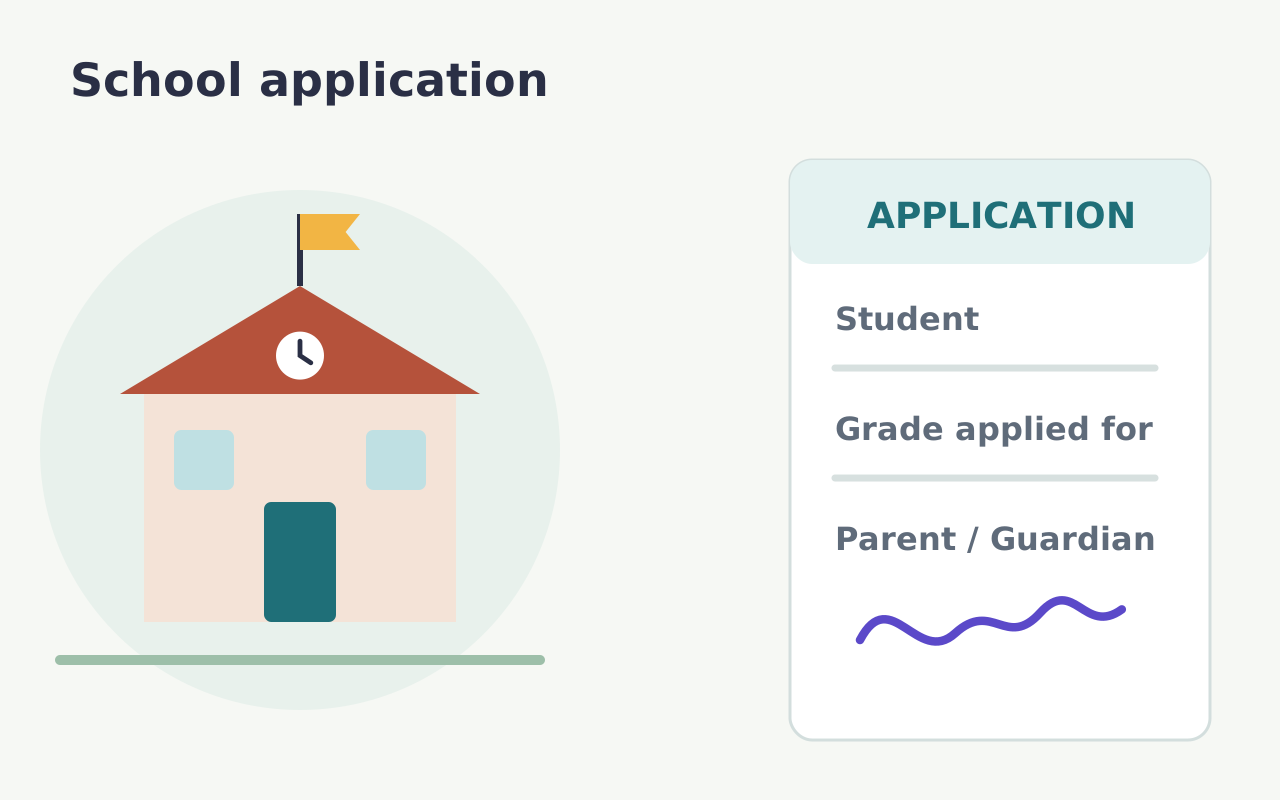
School application form

For education

arrow_forward_ios
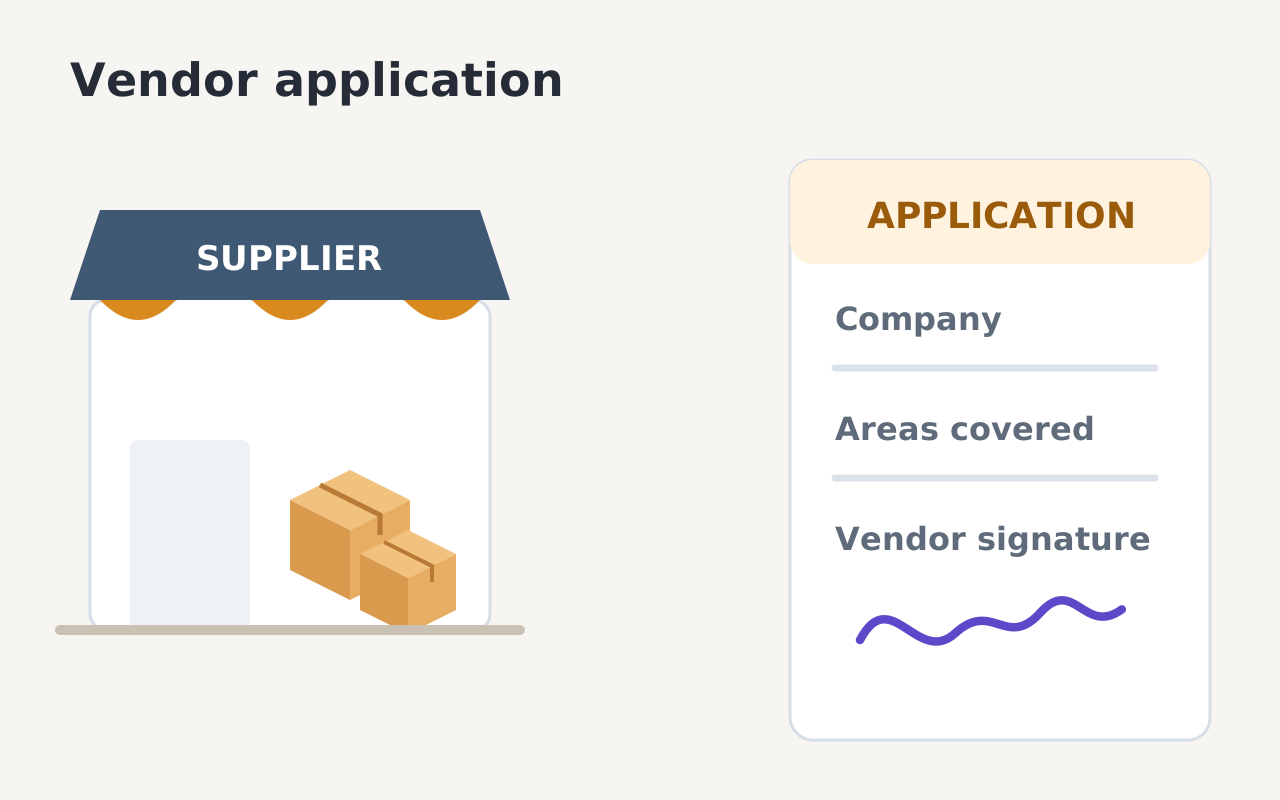
Vendor application form

For business

arrow_forward_ios
Contest entry form
Contest entry form

For events

arrow_forward_ios
Reference request
Reference request

For hr

arrow_forward_ios
IT service request
IT service request

For it

arrow_forward_ios
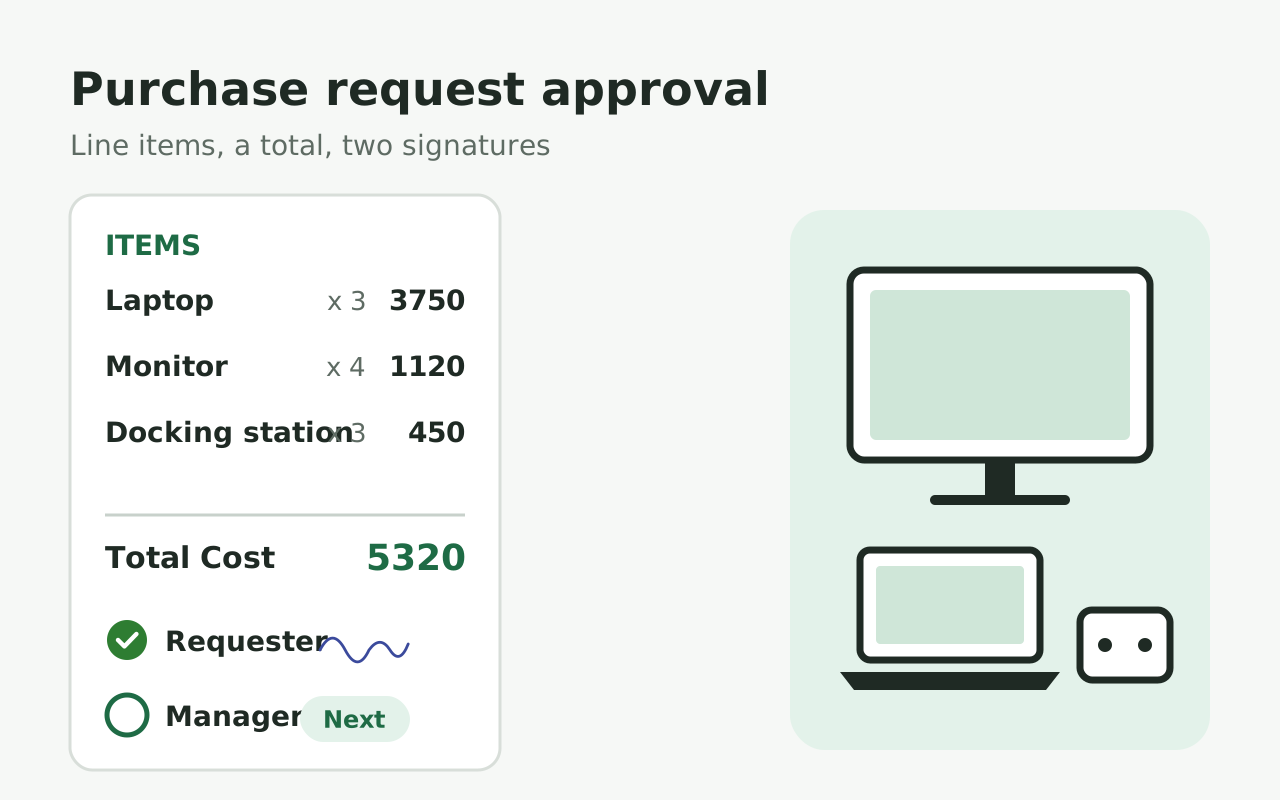
Purchase request approval

For finance

arrow_forward_ios
add
Blank form
Show more
expand_more

Customers love us

Royal Bush

I am 100% a fan of this company. We use HIPAA compliant Google Forms and needed a way to collect signatures, the industry standard company is TOO expensive. I started using Formesign and it worked perfectly. It lacked the ability to provide a pdf copy of the form after signature. This company worked with me help their product evolve into something that could benefit all future clients AND the end user.

Sol Evans

I am not tech savvy. I chose formesign to help create registration links for clients. My company now has moved from the stone age to modern age through the ability to use this feature. Of the many features I am impressed with, the ability to update a form without needing to regenerate a link is amazing. I often make mistakes and that ability allows me to fix mistakes without needing to change everything. Thank you!!!

Miquel Faro Palau

We found in Formesign a perfect solution to collect a big amount of signatures for consent forms in a short amount of time. Our experience was great and the support team was really helpful.



From healthcare to construction.
700+ organizations trust us.

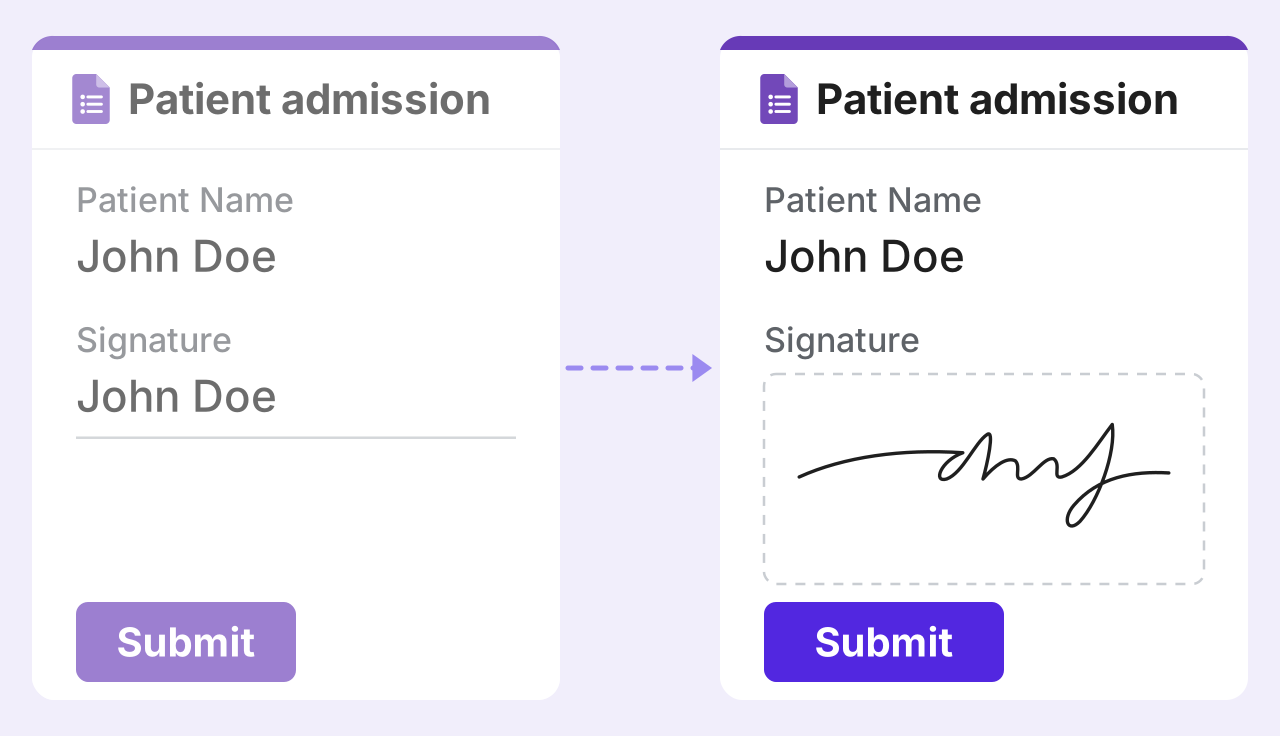
The same Patient admission form twice with John Doe filled in: on the left, faded, the Signature question only has his name typed in, and a dashed line leads to the right, where he has signed it with a real signature play_circle_outline

Collect eSignature in Google Forms

Try it free