How can I change the fonts in Google Forms?
"Change font size for form answer fields"- Google Docs Editors Community
This is a common question from Google Forms users who want their form to match their brand. Google Forms lets you pick a font and a size for the header, questions and text, but you cannot change the font color and the form still looks like every other Google Form. With Formfacade, you can choose the font, size and color and your users will see a form in your brand's fonts. Even better, you can embed it in your webpage with no iframe and no Google branding, so your fonts sit right next to the rest of your page.
Let's start. Create your form and follow the steps below.
How to change the font?
- On the page that opens, name your form, click Build form and click Proceed. It can take about a minute.
- You will land on the form's "Preview" tab.

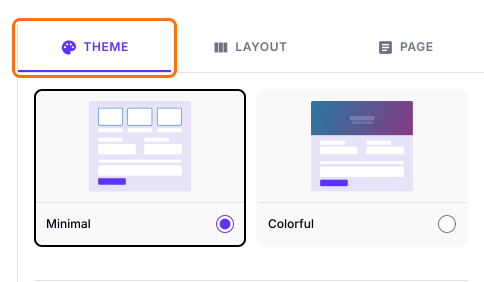
- The THEME tab will be displayed
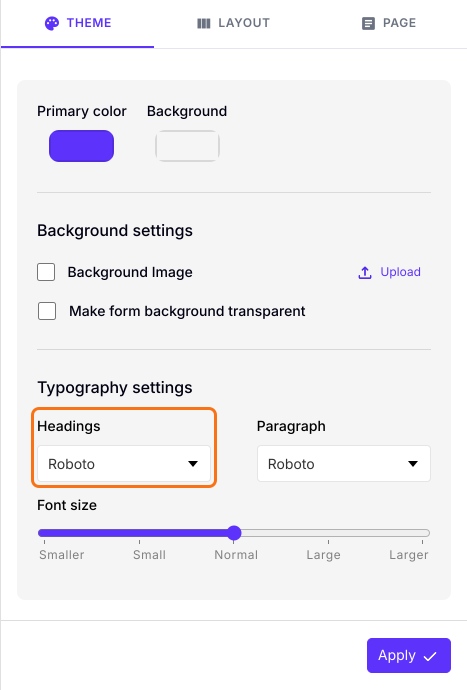
- Scroll down to Typography settings
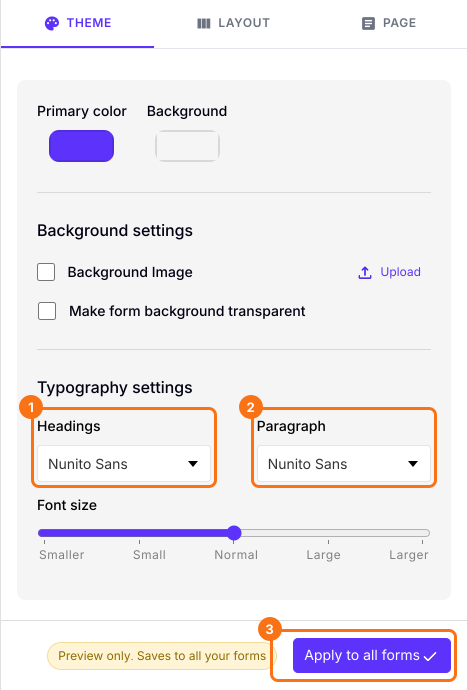
- Choose the font you want to use for Headings and Paragraph from the list of fonts shown in the dropdown. For example: Roboto.
- The preview will change as soon as you choose the font
- You can also change the Font size
- Click on the "Apply to all forms" button, which changes the font on every live form on your account, not only this one.
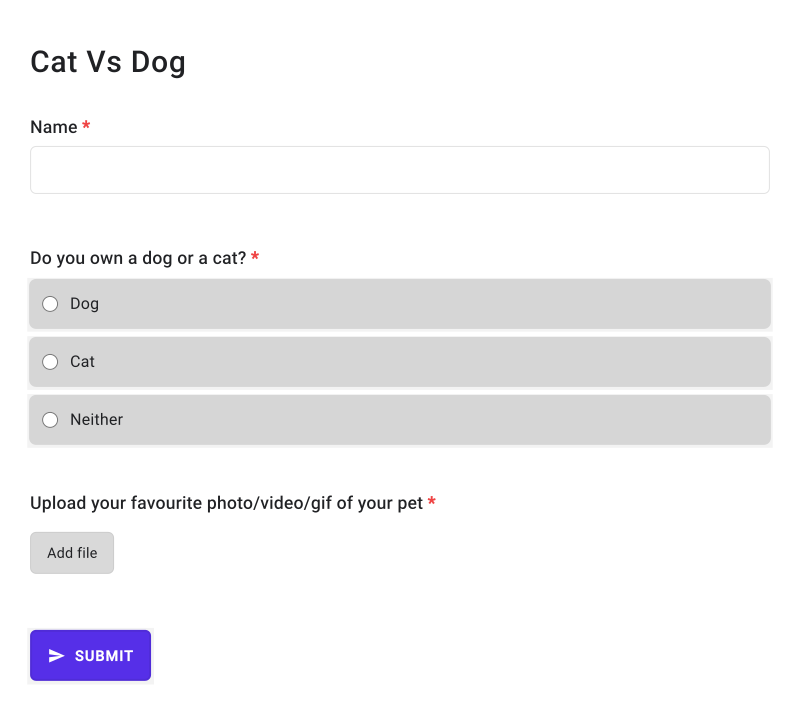
Your form will show the font you chose.
Summary
If your form has to match your website or your brand, the fonts in Google Forms only go so far. With Formfacade, you can choose the fonts for Headings and Paragraph and the font size. Create your form and complete the steps above.
Last updated: