How to create a contact us page?
"Where do you put business hours on a website?"- Quora
This is a common question from shop owners with a new website. For example, customers might check your hours and address before they order. If they can't find them, they message you with the same questions every day and you answer them between orders. A Google Form only gives you a line in its description, which is easy to miss. With Neartail, you can add a contact us page to your website with your address, working hours, phone and email. Your customers will find them before they order. Even better, the page can have a contact form, so visitors can ask you a question right there.
Let's start. Create your site and follow the steps below.
Once you create your site, it will say "Your website is live". Click Edit site and go to Step 4. If you come back to it later, start at Step 1.
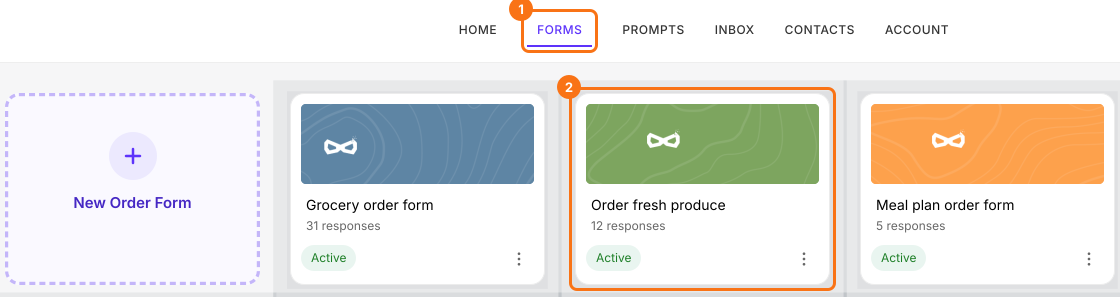
Step 1: Login to Neartail > click Forms > list of your forms will be displayed > click on the form to open it.
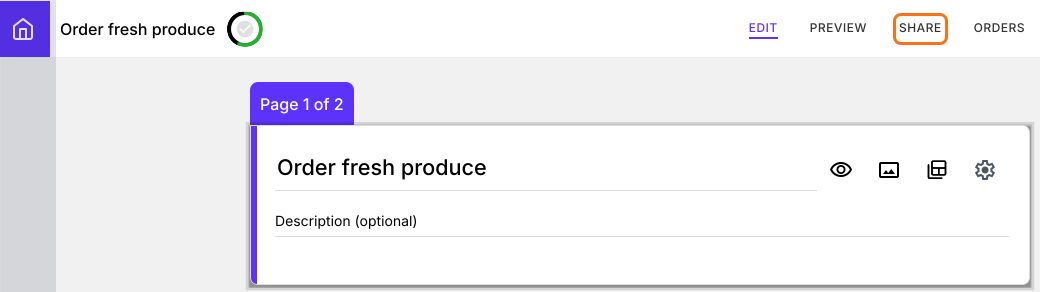
Step 2: Edit page will be displayed > click Share
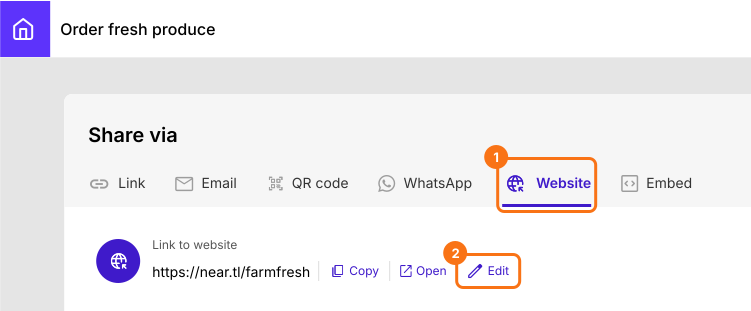
Step 3: In the Share page, click Website > click Edit
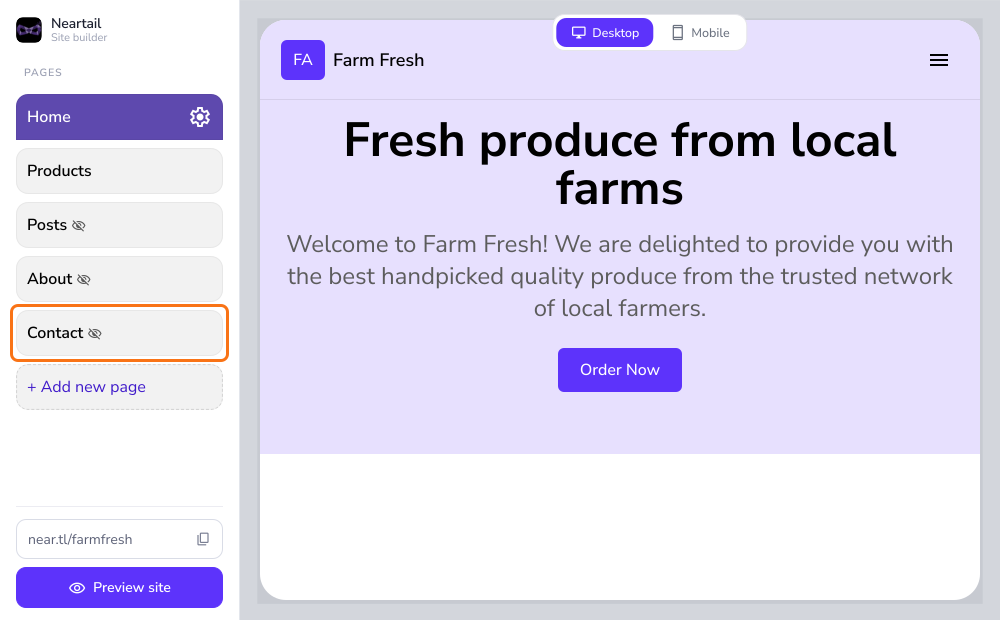
Step 4: Your near.tl website home page will open in a new tab > click Contact in the left menu
Step 5: In the Contact page, click on the text you want to change.
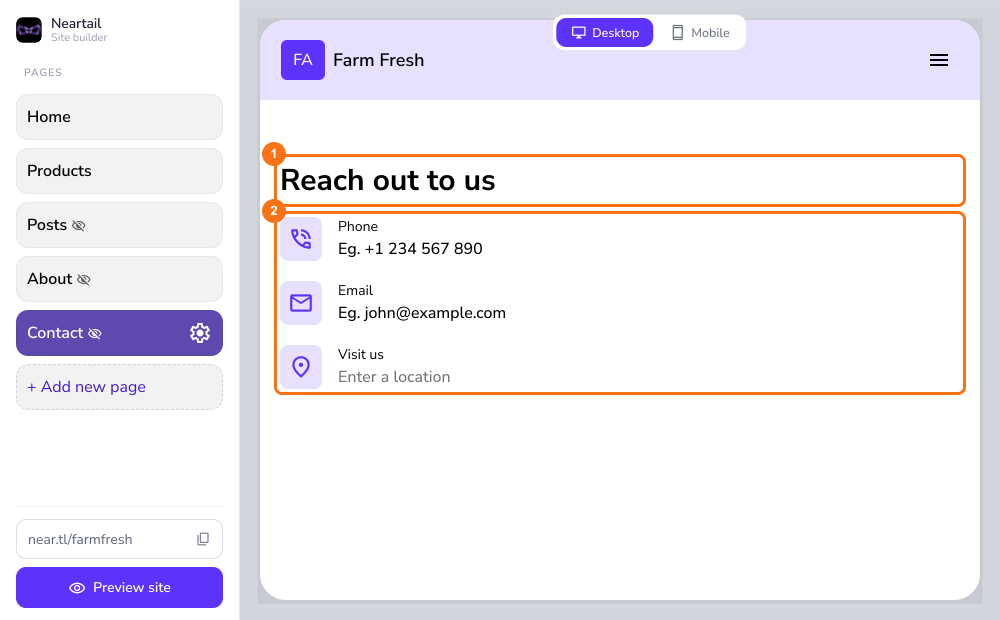
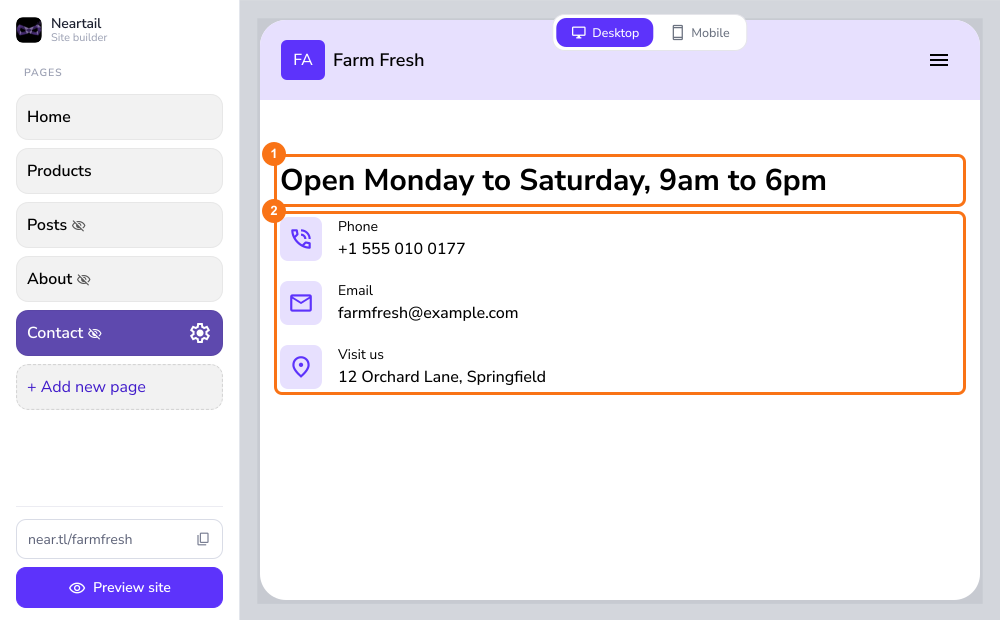
Step 6: Enter the business address in Visit us and pick it from the list, working hours in the title and contact details such as phone, email
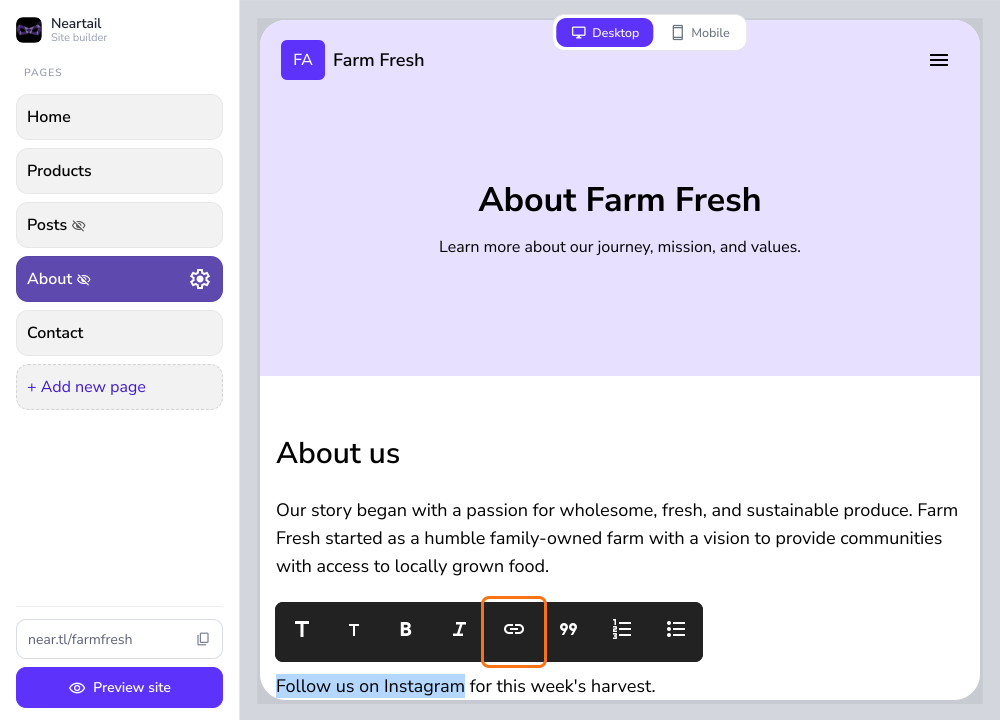
Step 7: To update your social media profiles for Instagram, Facebook, Tiktok, YouTube, Pinterest or your WhatsApp number, click About in the left menu, type your story, select a word, click the link icon and paste your profile link
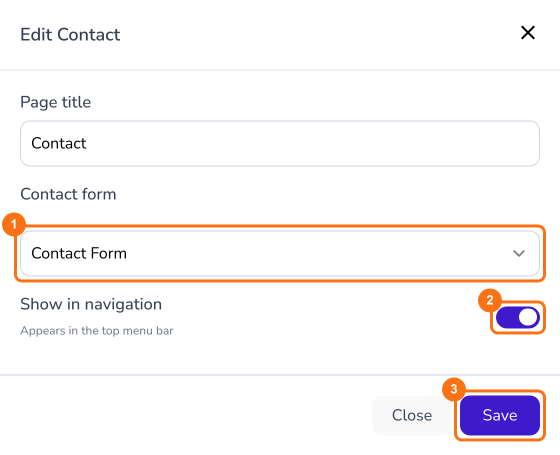
Step 8: Click Contact in the left menu and click the gear beside it. Select the contact form, turn on Show in navigation and click Save.
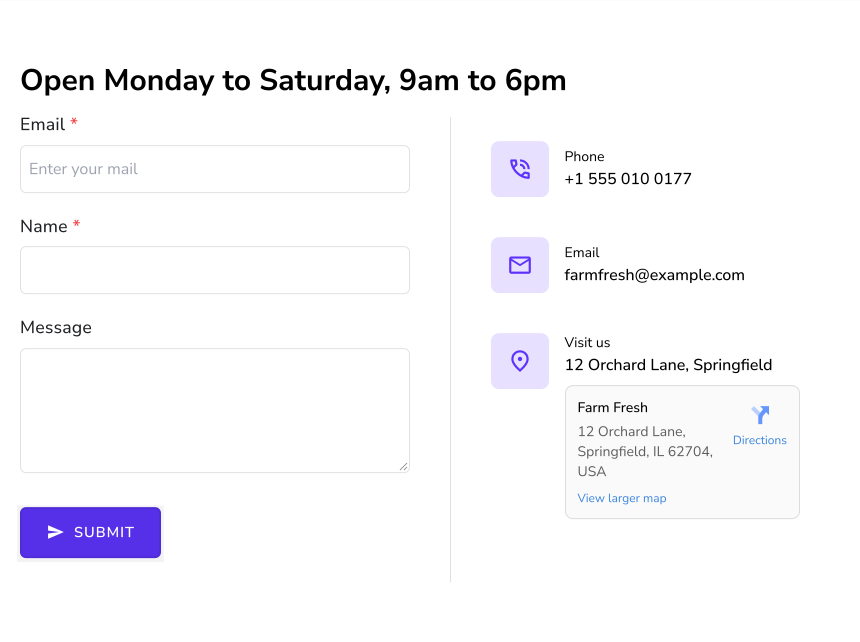
Contact form will be displayed on the left and the contact details will be displayed on the right as shown below
Summary
If customers check your hours and address before they order, a line in your form's description is easy to miss and they message you to ask. With Neartail, you enter them on your website's Contact page and show it in your menu, so customers find them before they order. Create your site and complete the steps above. If you have any questions, write to support.
Last updated: