How to print each order for packing?
"this will have blank spaces in every response from the user"- Google Docs Editors Community
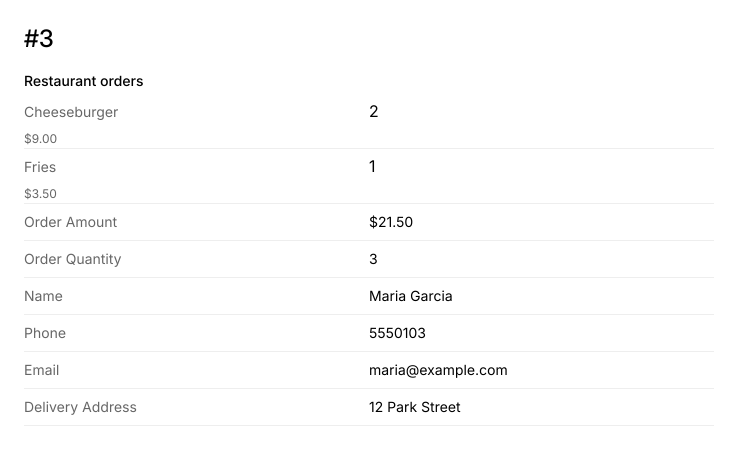
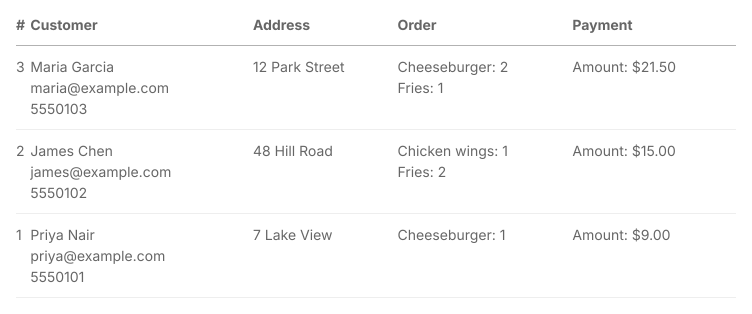
This is a common question from small restaurants with long order forms. For example, if you take restaurant orders in a Google Form with a lot of products on it, nobody orders everything, so each row in your Sheet is mostly blank cells and staff have to read across to find what this person wants. Printing a response from Google Forms gives you the whole form with every product on it. Joining those cells into one takes a formula and one misread row means the wrong bag goes out. With Neartail, you can print each order on its own page. It has the order number, only what this person ordered, the total and where it goes. Even better, on a busy night you can print a whole column of orders as one table.
Let's start. Create your order form and follow the steps below.
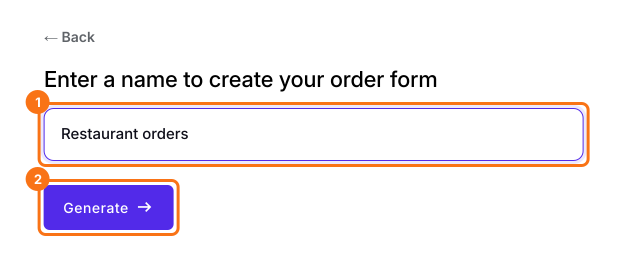
1. Name your order form
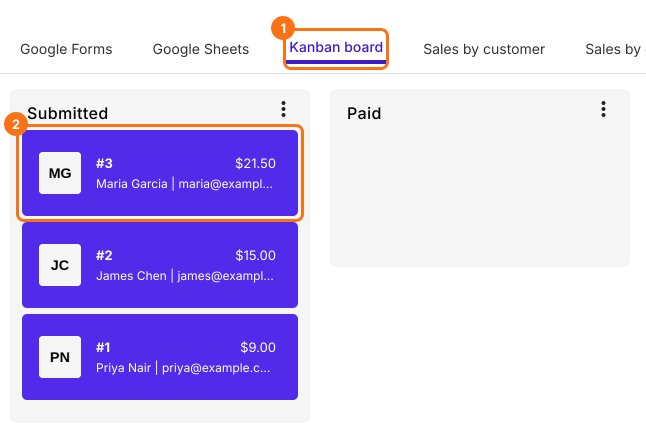
2. Open the order
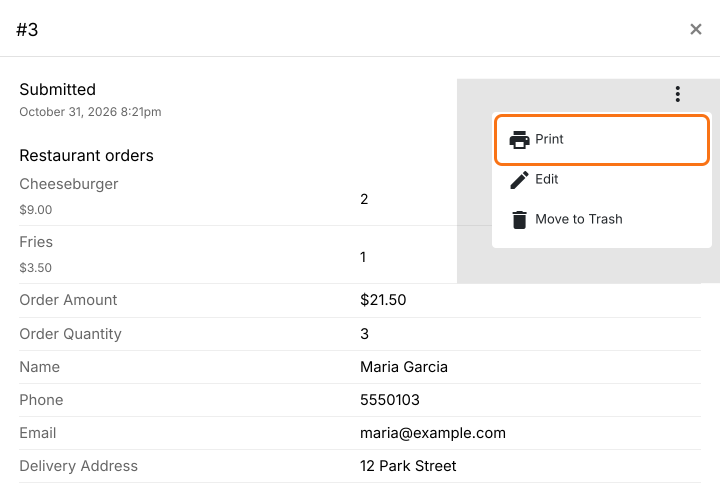
3. Click Print
4. Pack from a page with no blanks
5. Print a whole column on a busy night
Summary
Last updated: